From Floor Plans to Full Reality
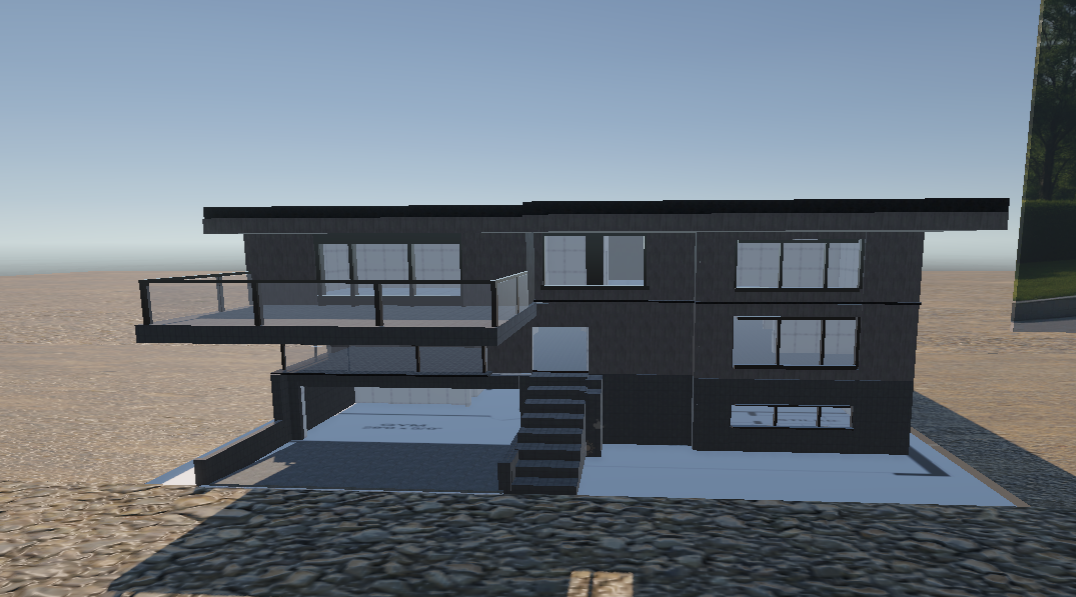
A real estate developer needed a way to let buyers experience a luxury villa before it was built. Traditional renders weren't cutting it — clients couldn't feel the scale, the flow of rooms, or the quality of finishes. The brief: build a fully navigable VR walkthrough that runs on a Meta Quest 3 headset and also works in a browser for remote clients.
Starting from architectural CAD floor plans, I modelled the entire property in Blender, optimised geometry for real-time rendering, and built the interactive experience in Unity 3D with the XR Interaction Toolkit. The result is a photorealistic walkthrough where buyers can open doors, swap wall materials, and explore every room at 1:1 scale.
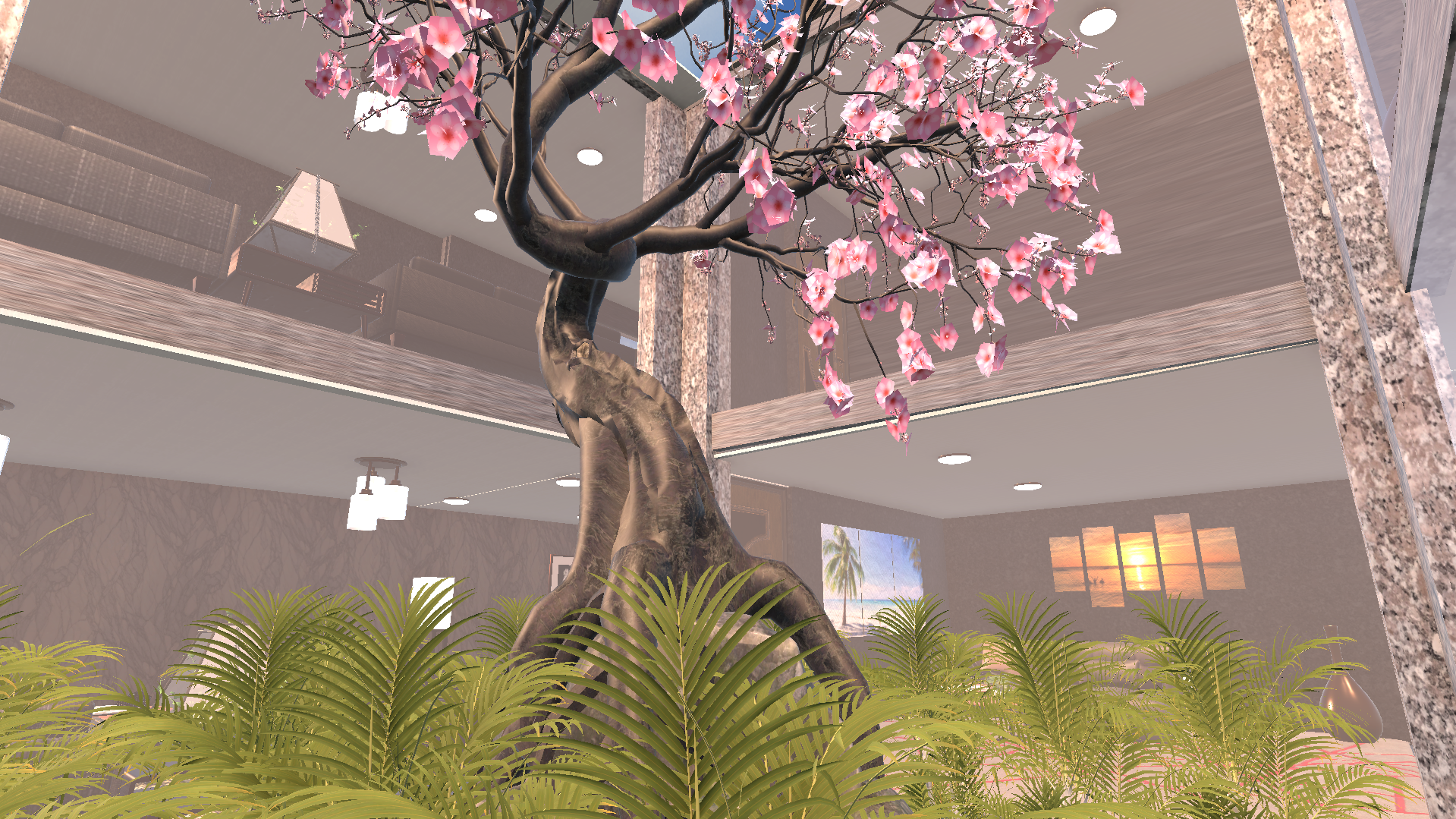
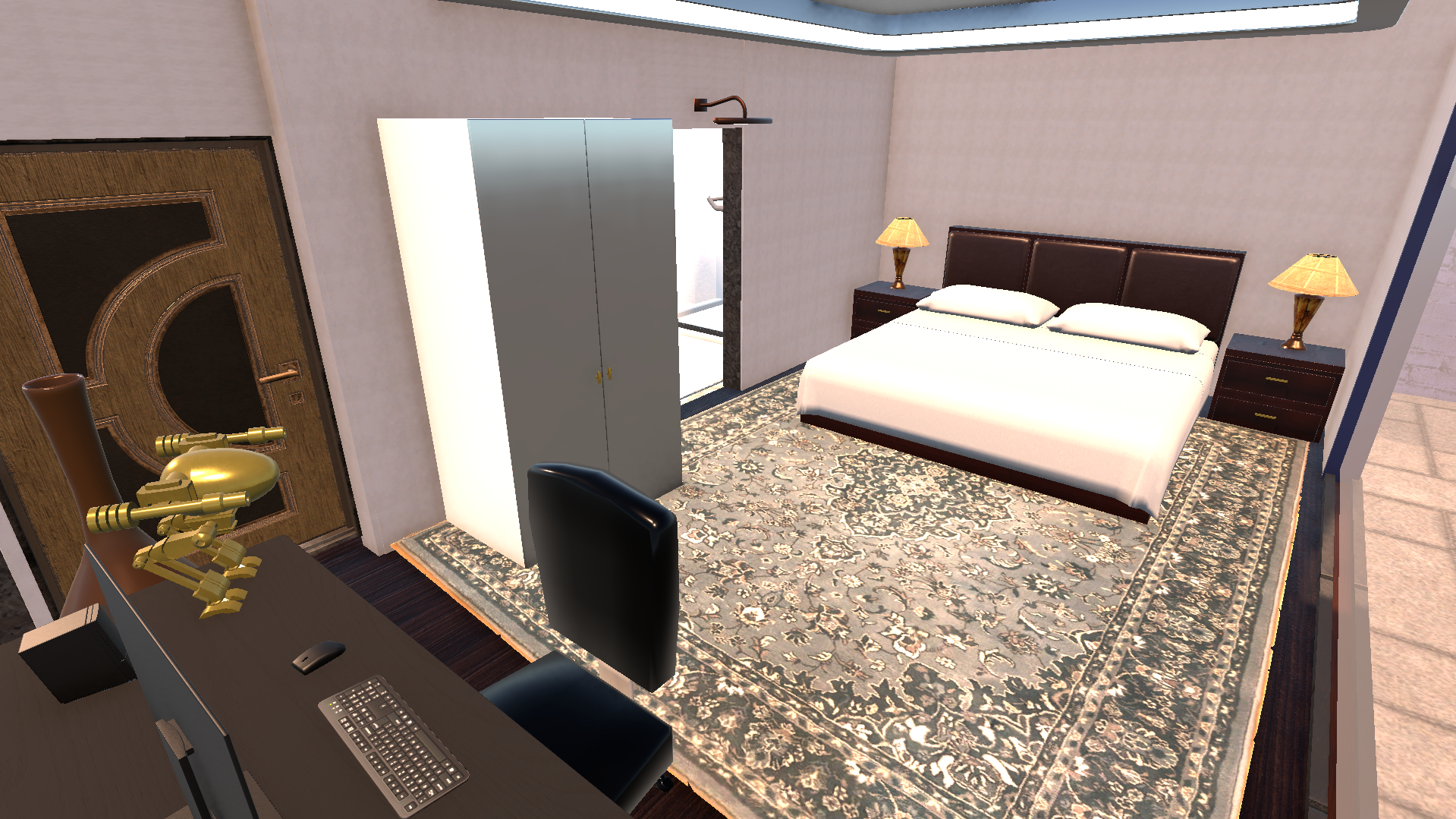
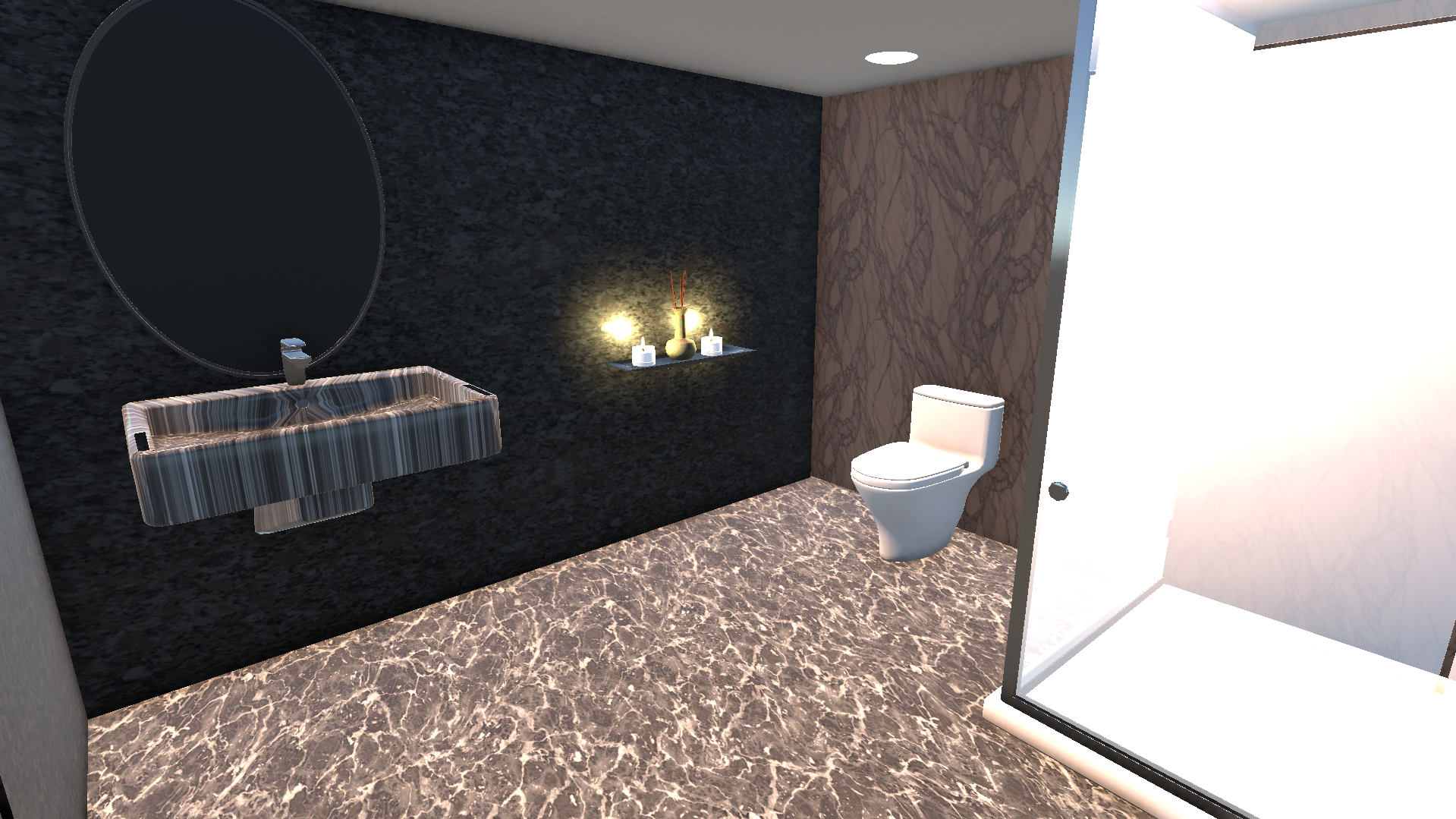
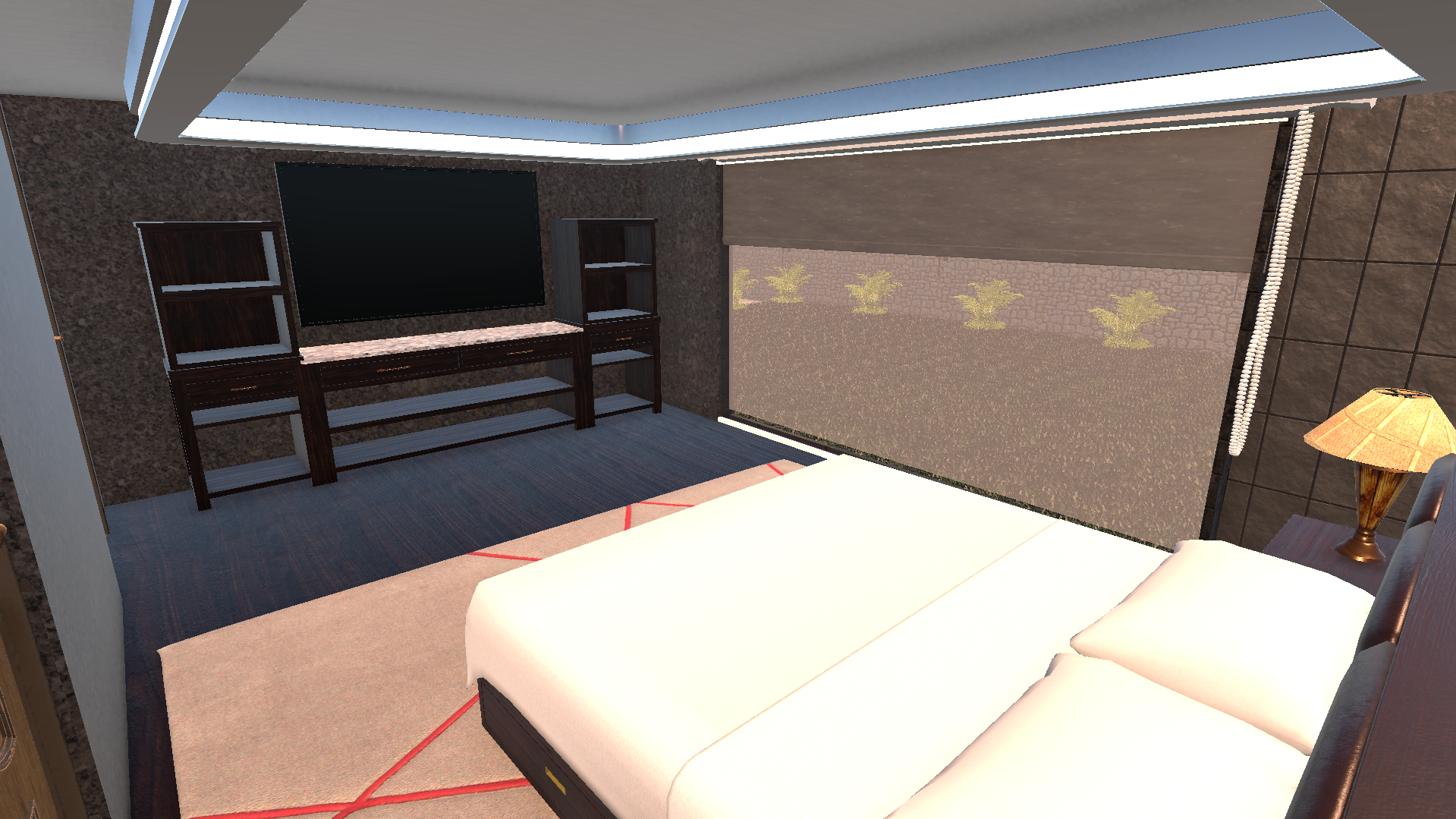
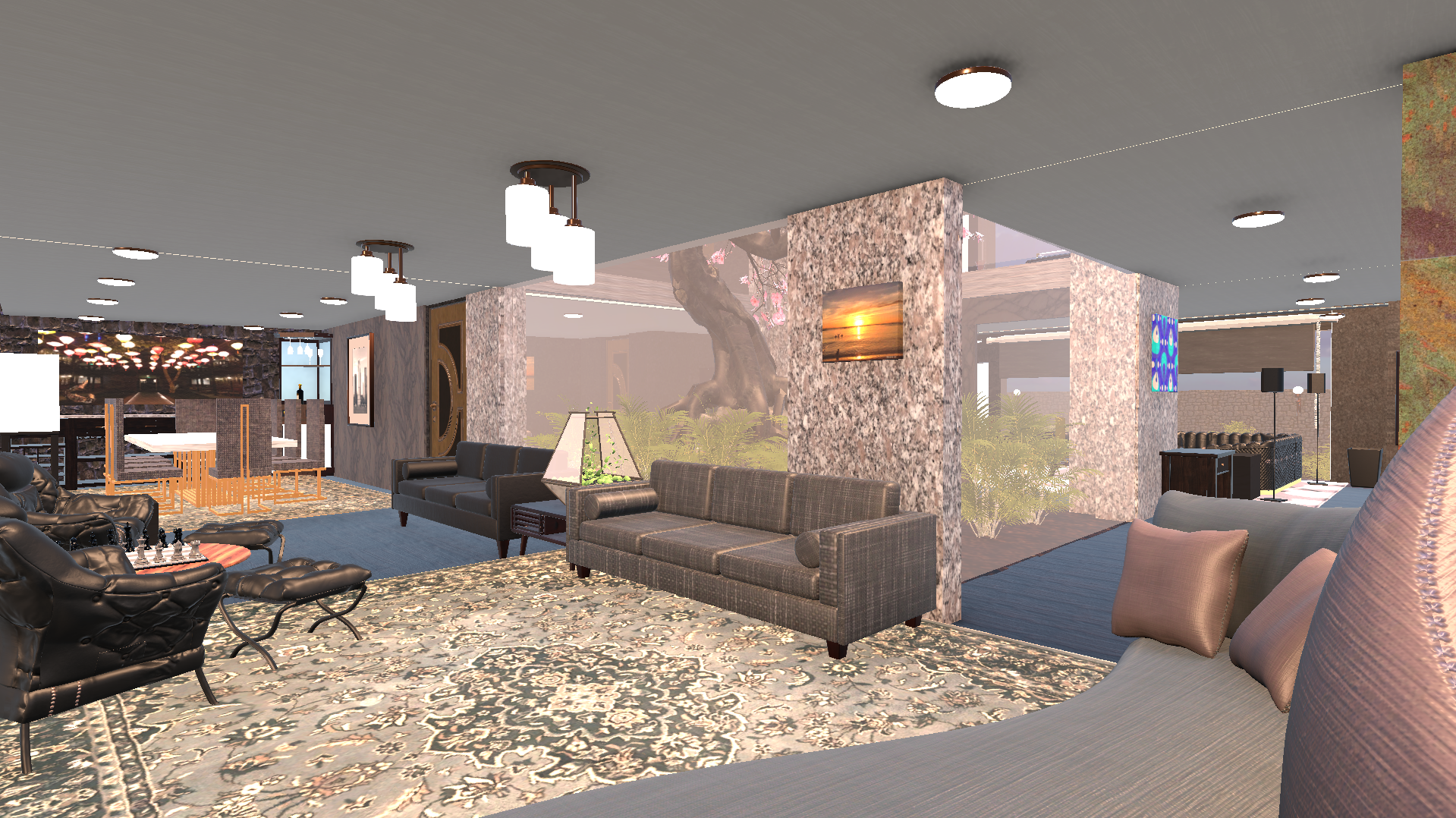
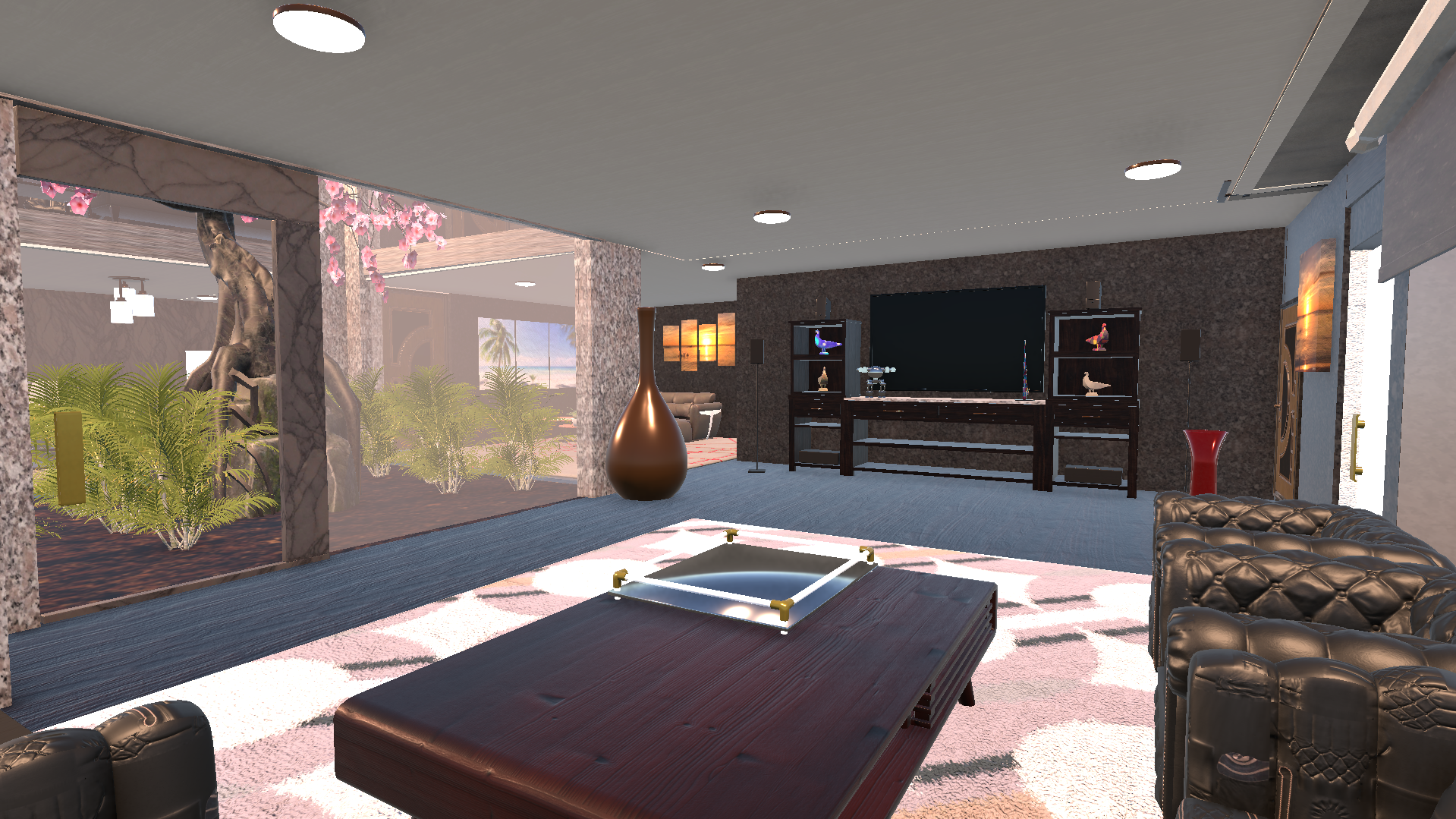
Every Room, Every Detail
Each room was modelled and lit to match the architect's specification. PBR materials, baked ambient occlusion, and real-time directional lighting combine to create a convincing sense of space and material quality.
How It Was Built
Floor Plan Analysis
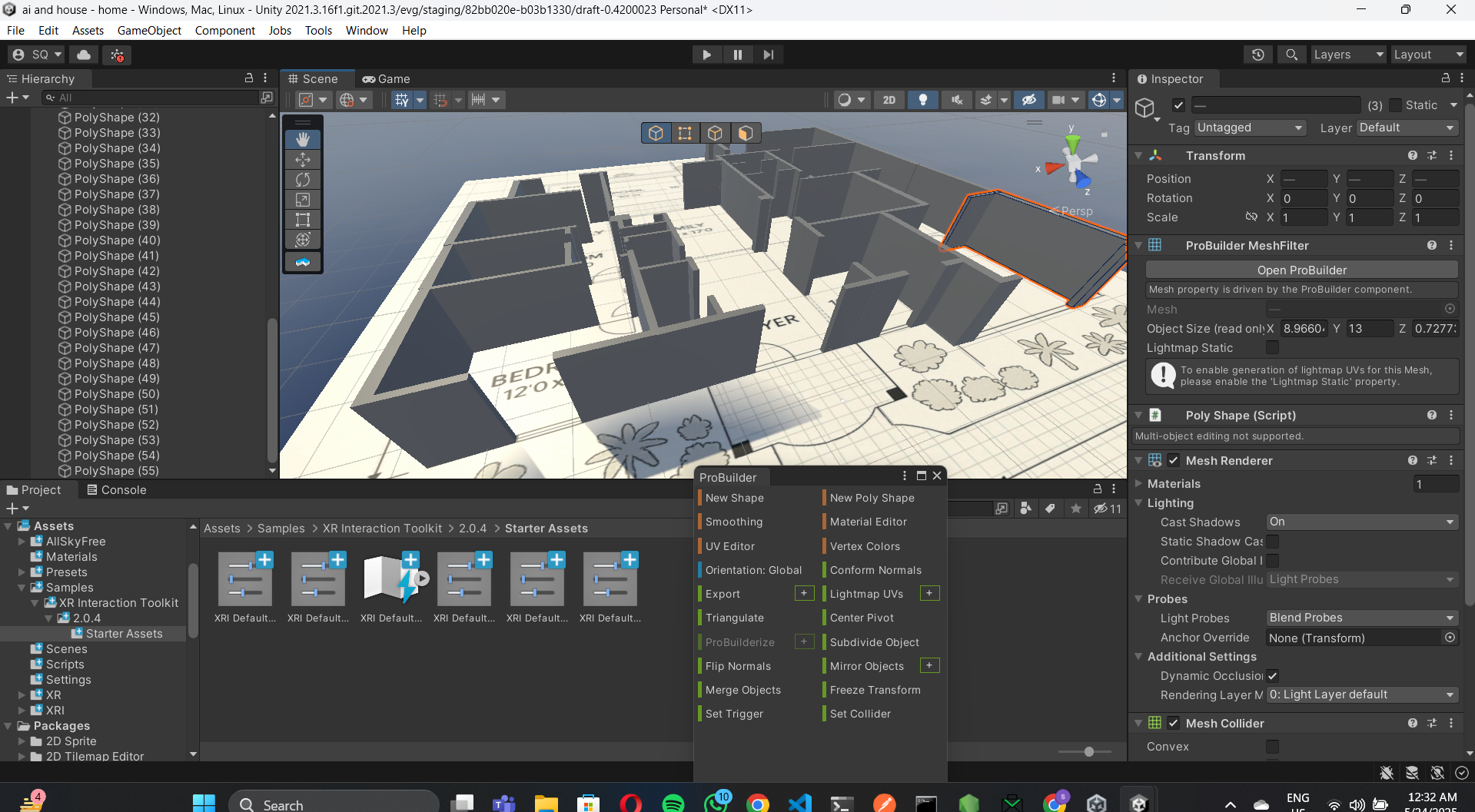
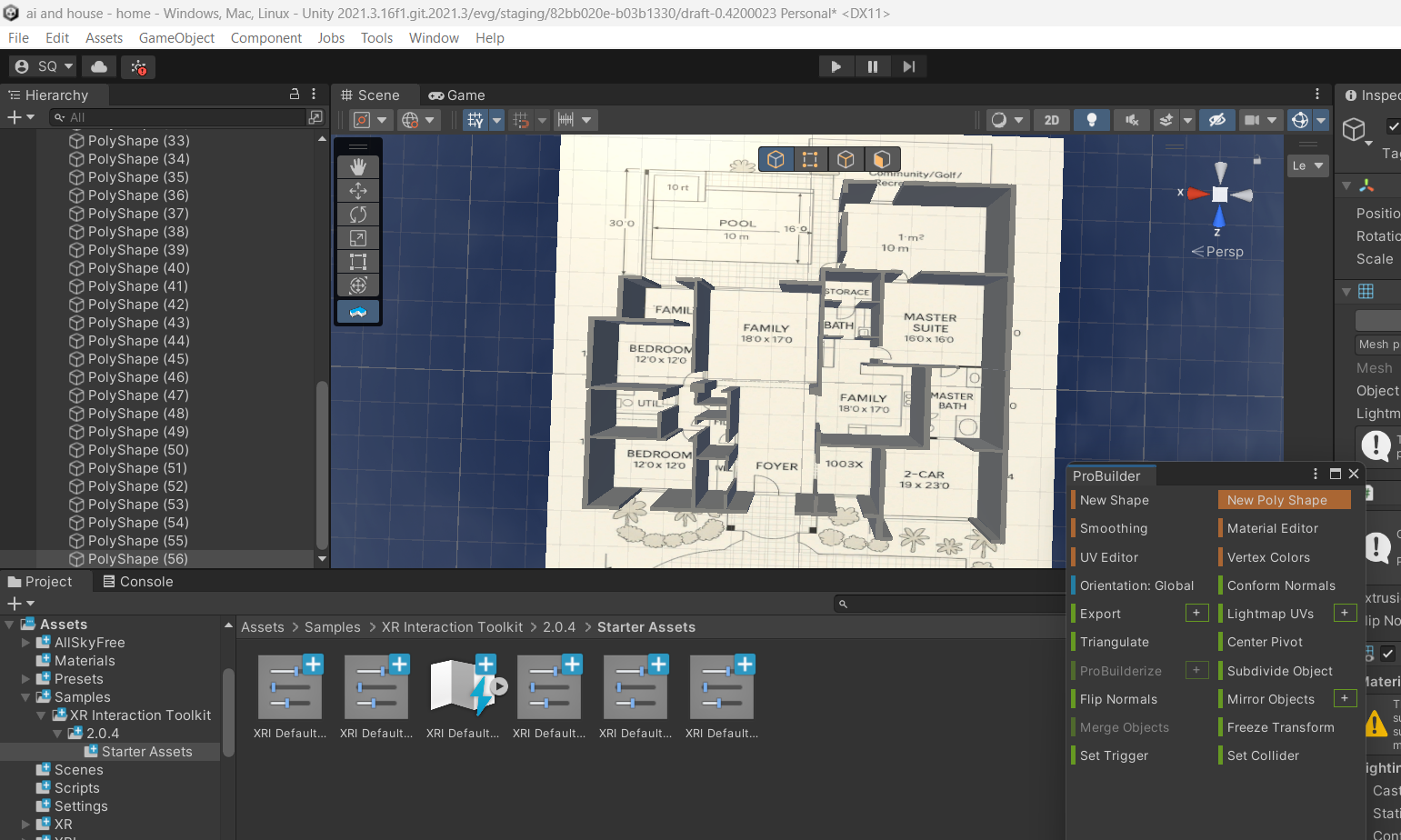
Received CAD files from the architect. Extracted room dimensions, ceiling heights, window positions, and material specifications to use as the modelling brief.
Blender Modelling & Optimisation
Built the full property in Blender — exterior shell, interior walls, furniture, fixtures. Optimised polygon count for real-time VR performance (90fps target on Quest 3).
Unity XR Integration
Imported into Unity 3D. Set up XR Interaction Toolkit for Quest 3 locomotion, hand tracking, and interactive elements. Implemented real-time material swap system so buyers can change wall colours and floor finishes live in headset.
Dual Deployment — Quest 3 + WebGL
Built two targets: an APK for Meta Quest 3 sideloading, and a WebGL build embedded on the client's website so remote buyers can explore in a browser without a headset.
AI Interior Visualisation
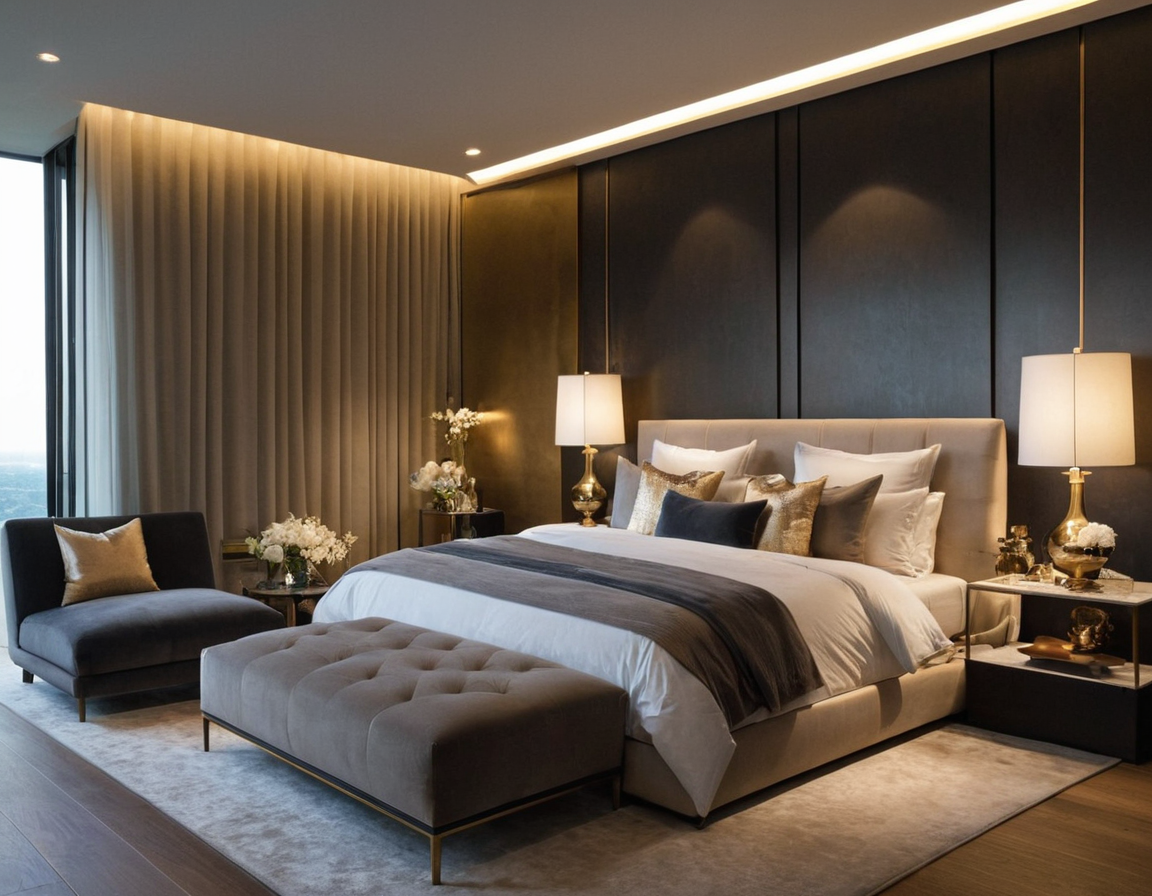
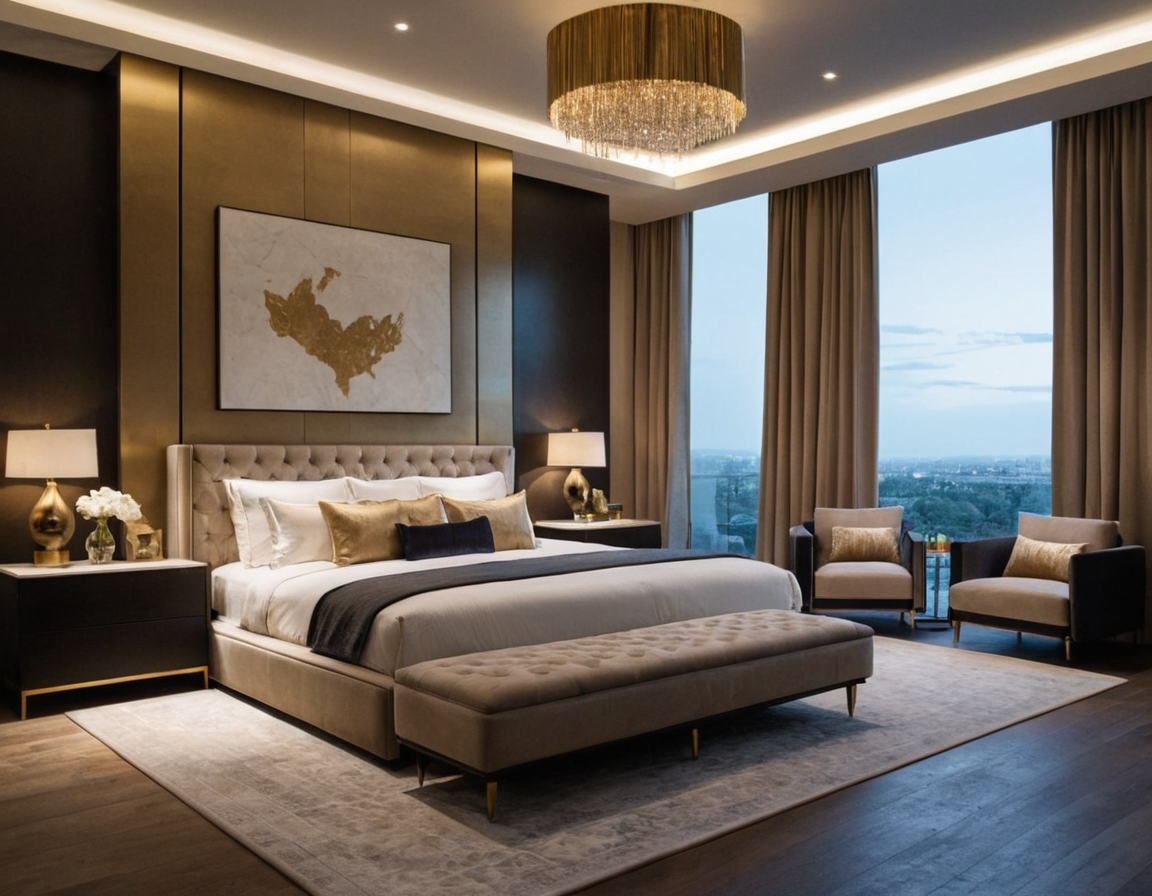
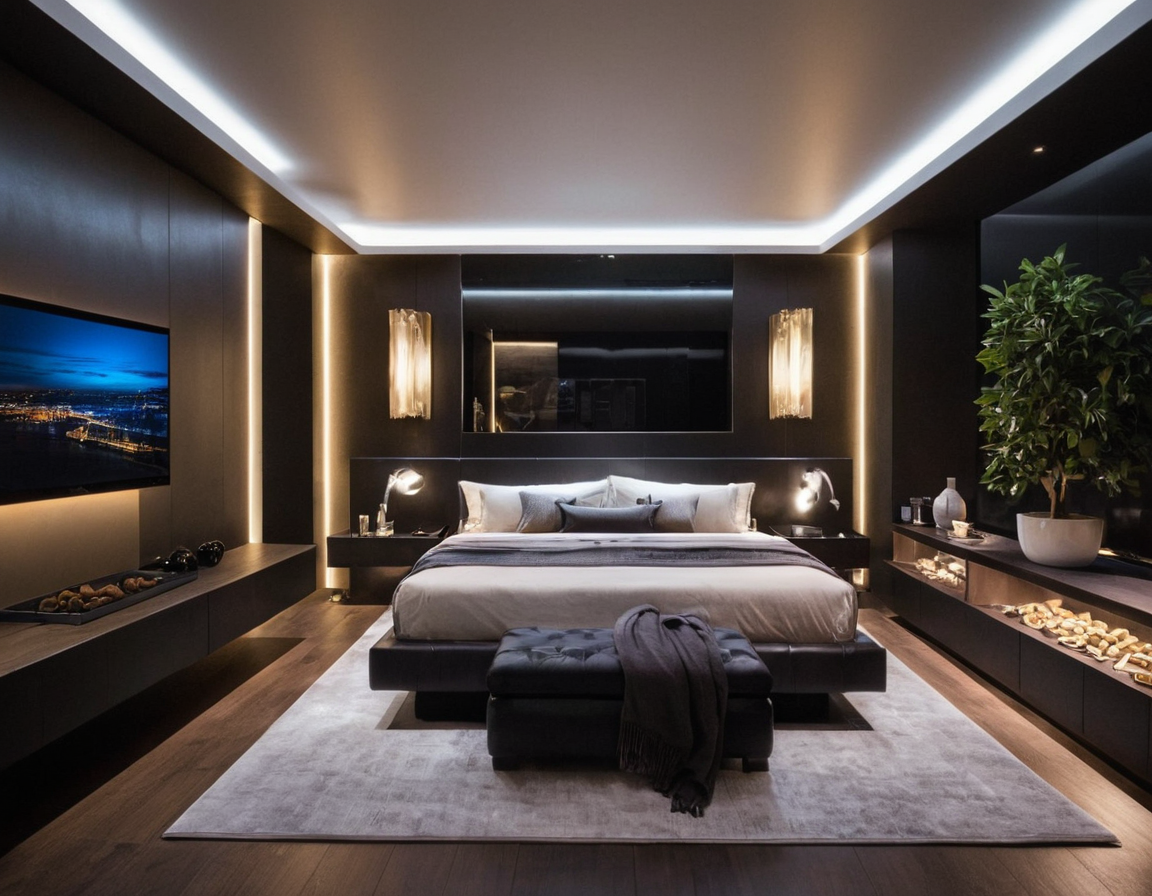
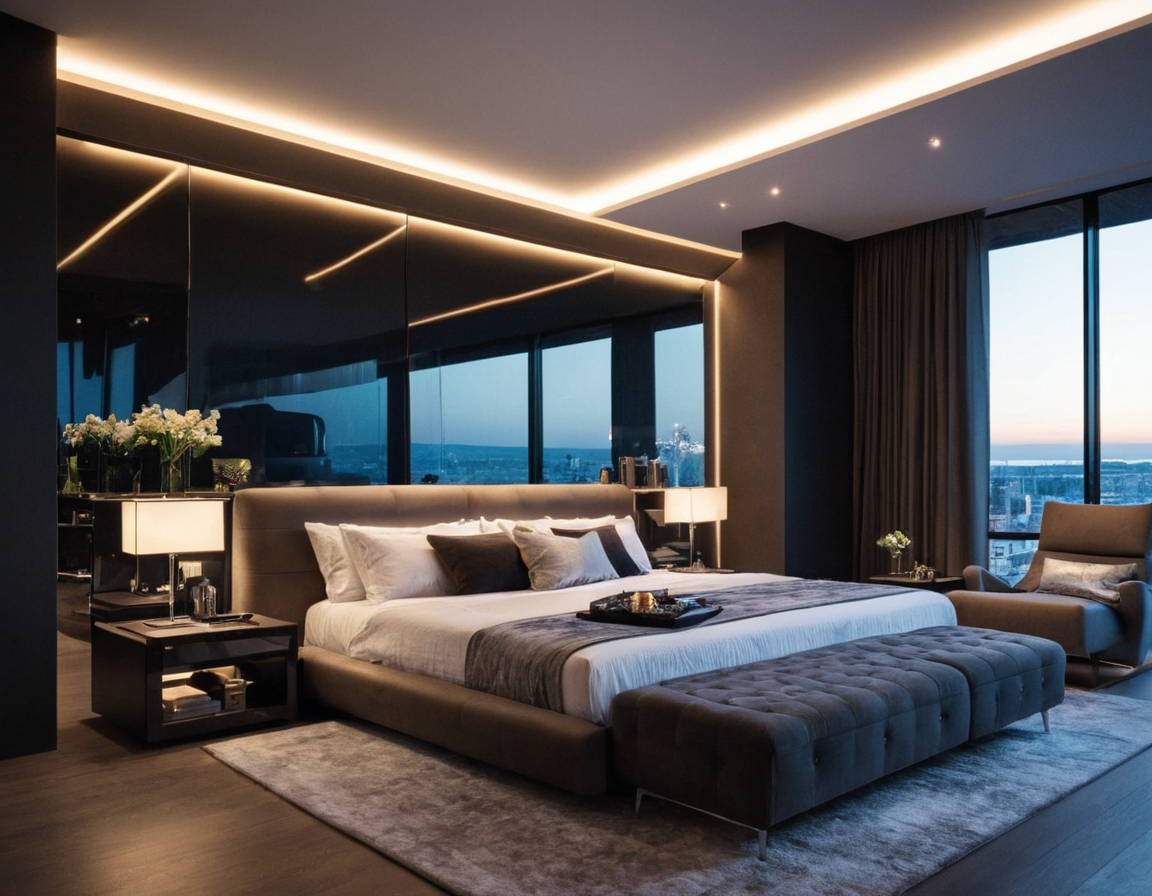
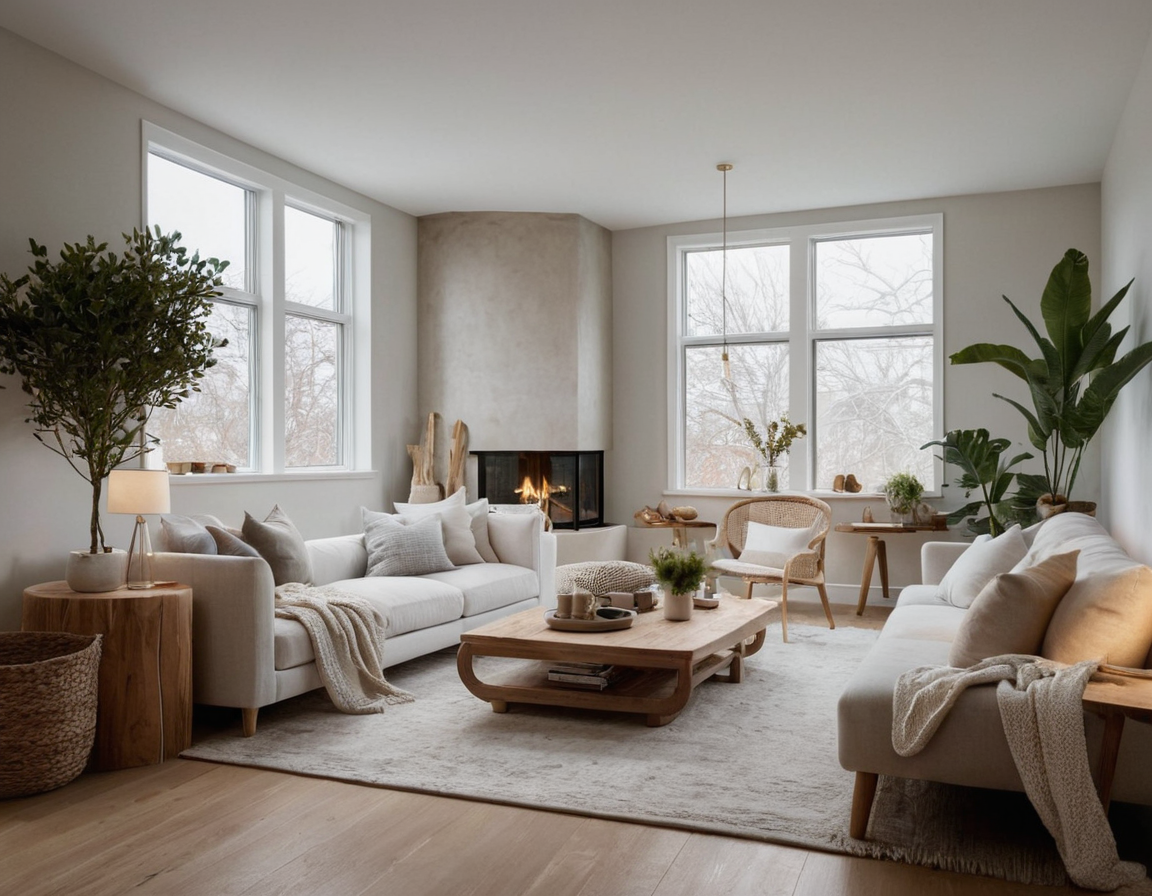
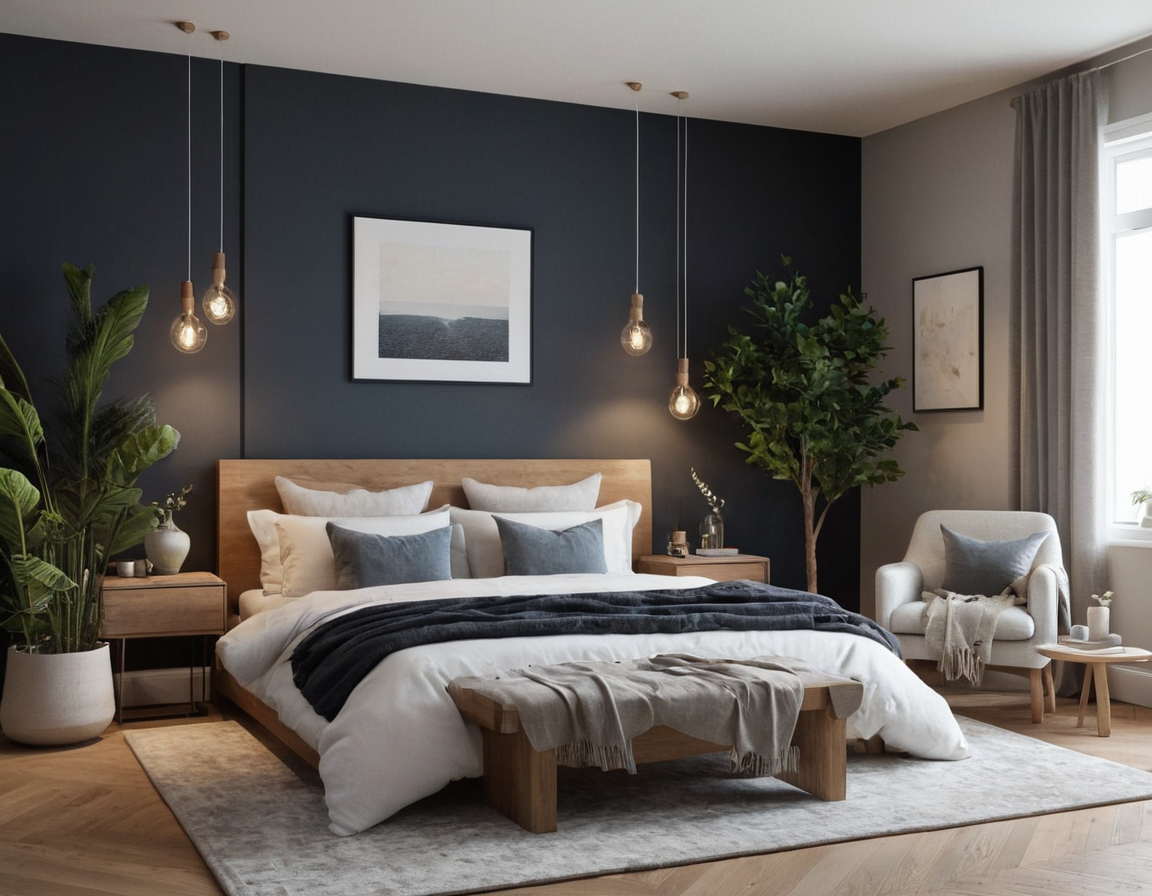
Before committing to final materials in Unity, I used AI image generation to rapidly prototype interior design directions with the client. This cut revision cycles significantly — clients could approve a visual direction before any 3D work was done.
Tools & Technologies
Want a VR Experience Like This?
I build immersive VR environments for real estate, hospitality, and enterprise clients. Let's talk about your project.