Change Everything. In Real Time. In VR.
When showing a property in VR, clients always ask: "Can I see it in white?" or "What does it look like with dark wood floors?" Previously, answering that meant going back to the 3D software, re-rendering, and rebuilding the VR build. The Material Swap Engine eliminates that entirely.
Built as a reusable Unity C# system, it lets any object in a VR scene be assigned a material palette. The client — wearing a headset — can point at a wall, floor, or piece of furniture and cycle through pre-approved material options in real time. No loading screens. No breaks in immersion.
See the Difference
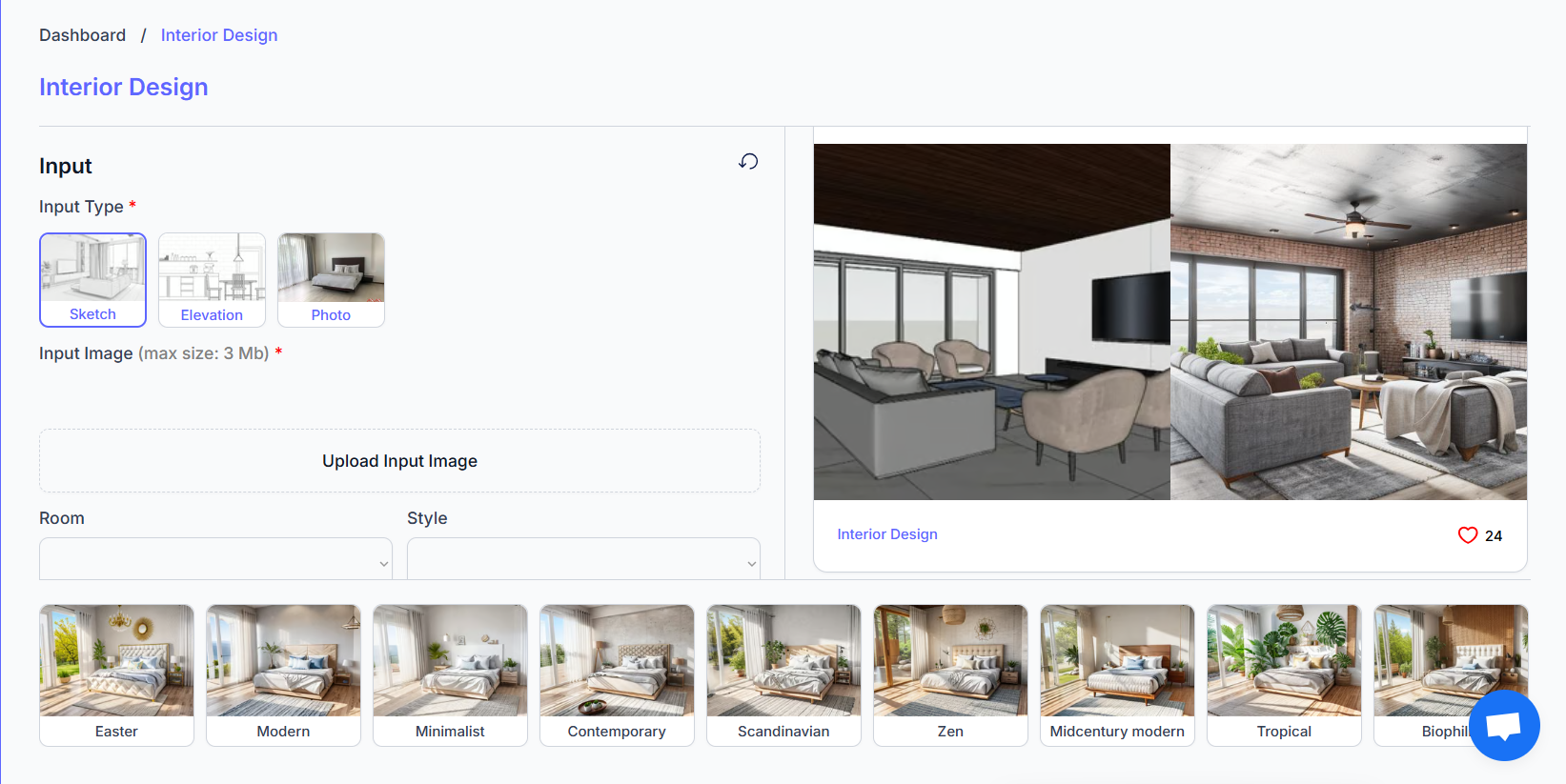
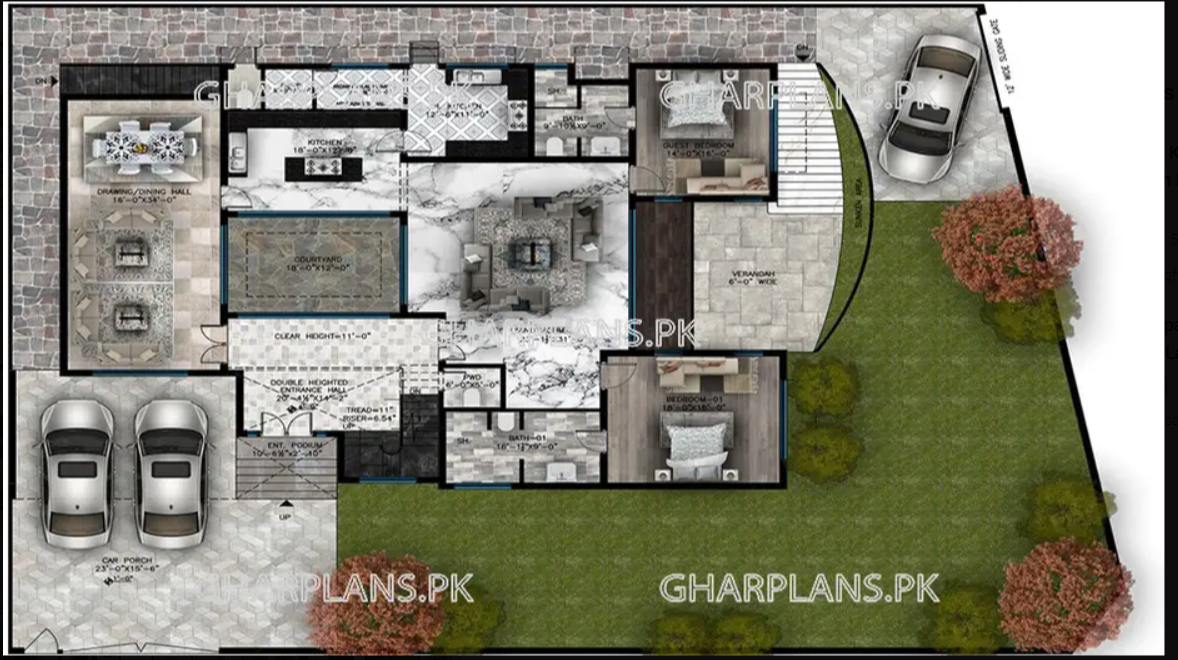
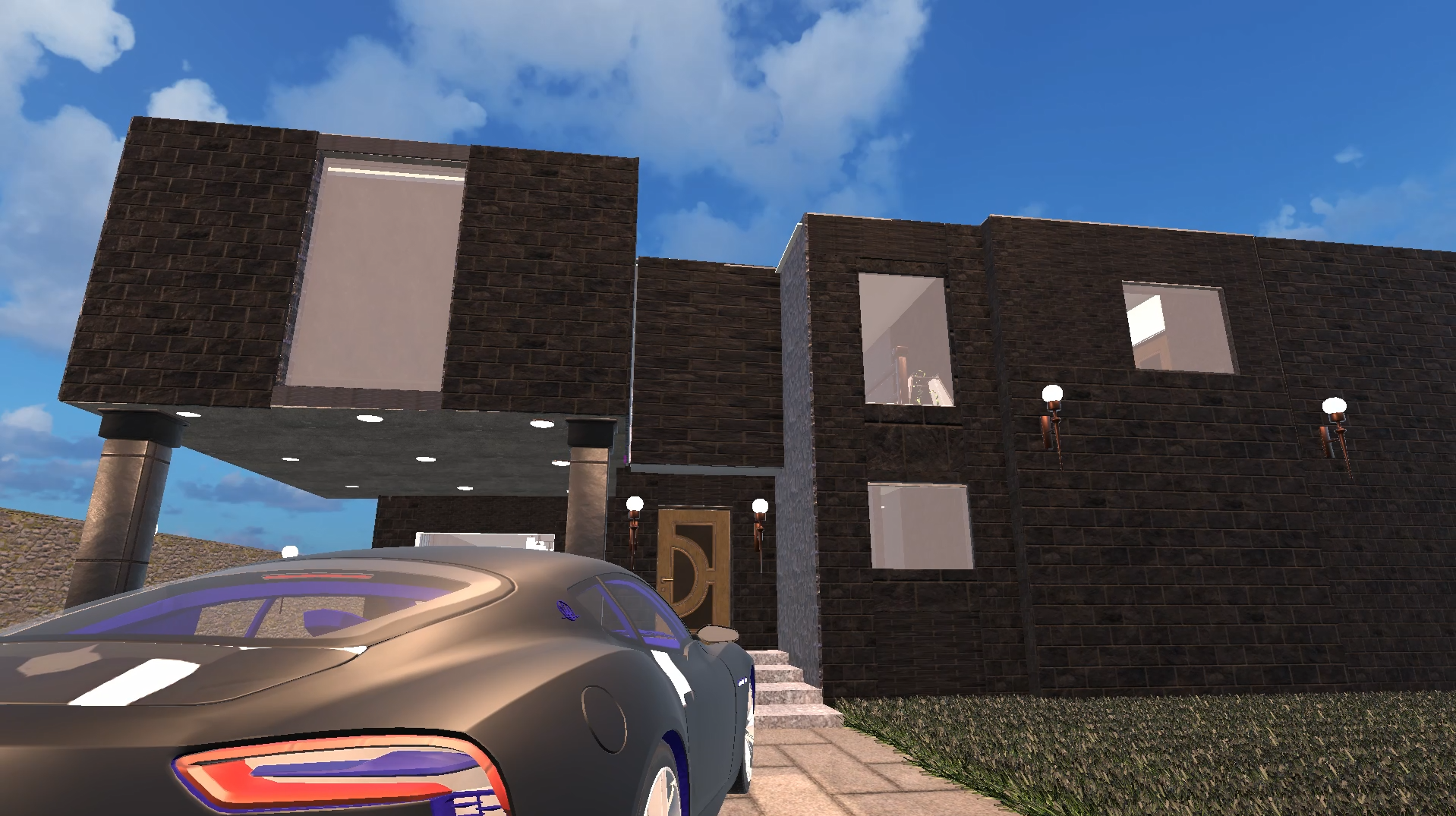
The same room, two completely different material sets — swapped live in headset. This is what the client experiences: instant visual feedback on design decisions that would previously take days to visualise.
The System Architecture
The engine is built around three core components: a MaterialPalette ScriptableObject that stores material arrays per object, a SwapController that handles VR input and applies materials at runtime, and a UI overlay that shows material previews as thumbnails in the headset.
MaterialPalette ScriptableObjects
Each swappable object gets a MaterialPalette asset assigned — an array of materials with preview thumbnails. Designers add new options without touching code.
VR Ray-cast Selection
The SwapController uses XR ray-casting to detect which swappable object the user is pointing at. A highlight shader activates on hover to confirm selection.
In-Headset Material UI
A world-space UI panel appears showing material thumbnails. The user scrolls through options with the controller thumbstick — no buttons to memorise.
Instant Material Swap
On confirm, the system calls Renderer.SetMaterials() — zero loading time. The swap is also logged so the client's final selections can be exported as a specification sheet.
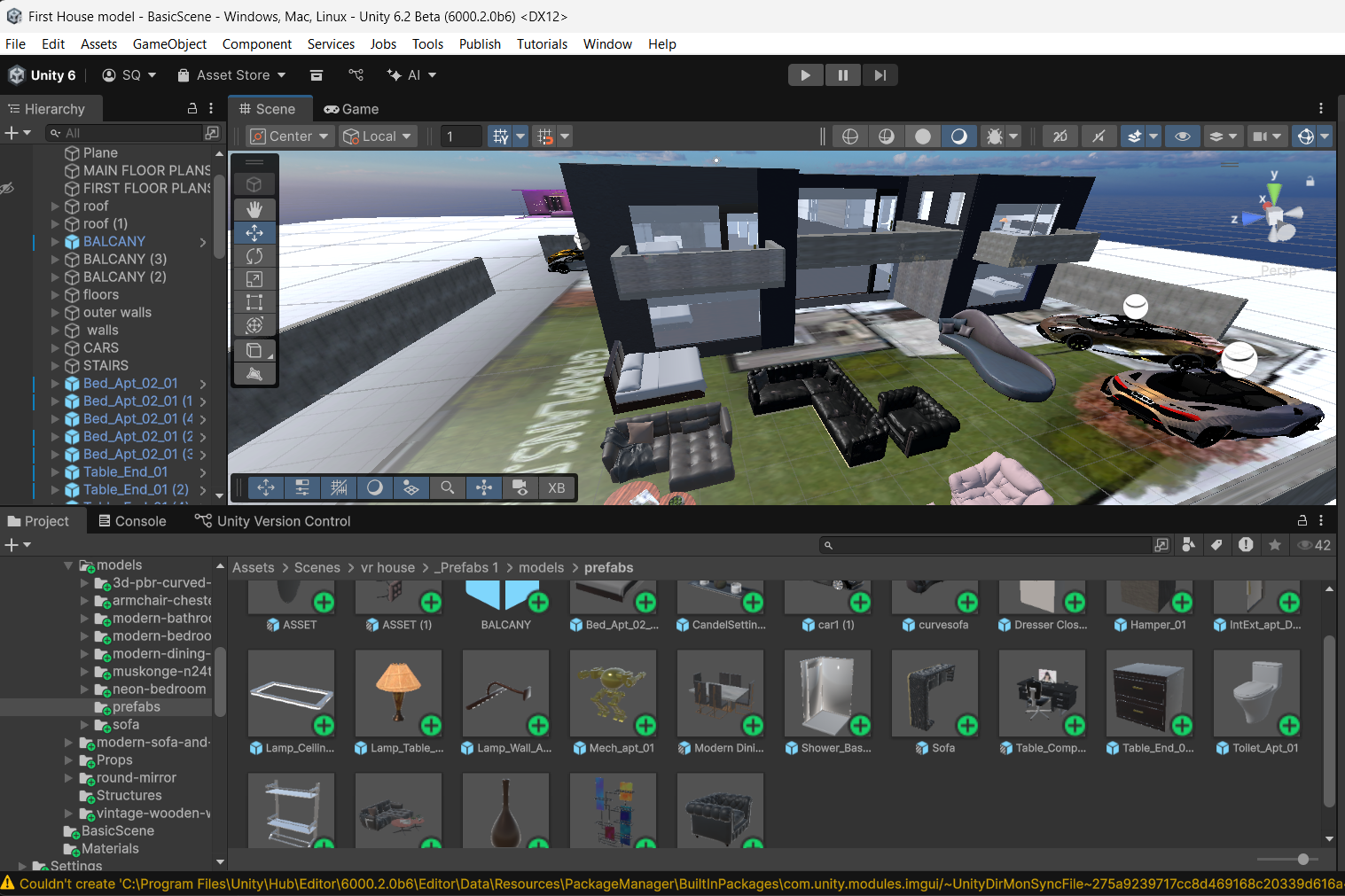
Tools & Technologies
Need a Custom VR Tool?
I build bespoke Unity systems for real estate, hospitality, and enterprise VR applications.